Buy

Admin PanelTranslation Setup

1.Introduction

We already fetched the languages in translation list.

If you want to change language or add any other language to the admin panel, you can follow the below instruction.

2.Setup Instructions


  • Admin Panel Path
  • Home → Price Management → Set Price
  • click "+ Add New Languages"
  • Select the language you want to add, then choose the language direction and save it.
  • After saving, click the action button (globe icon).
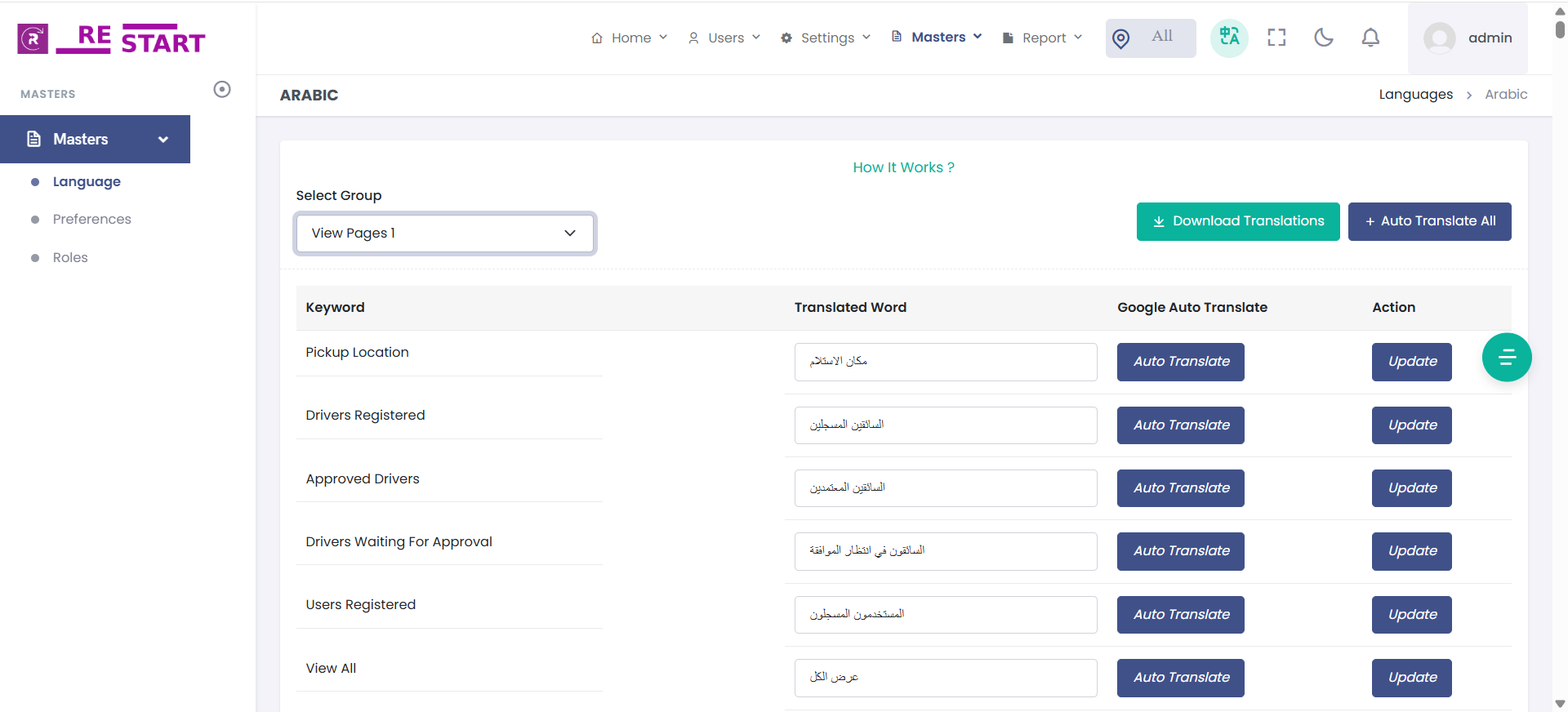
  • Next, click on the "Select Group" dropdown and choose the group for which you want to change the language.
  • click on "Download Translations", file will be download
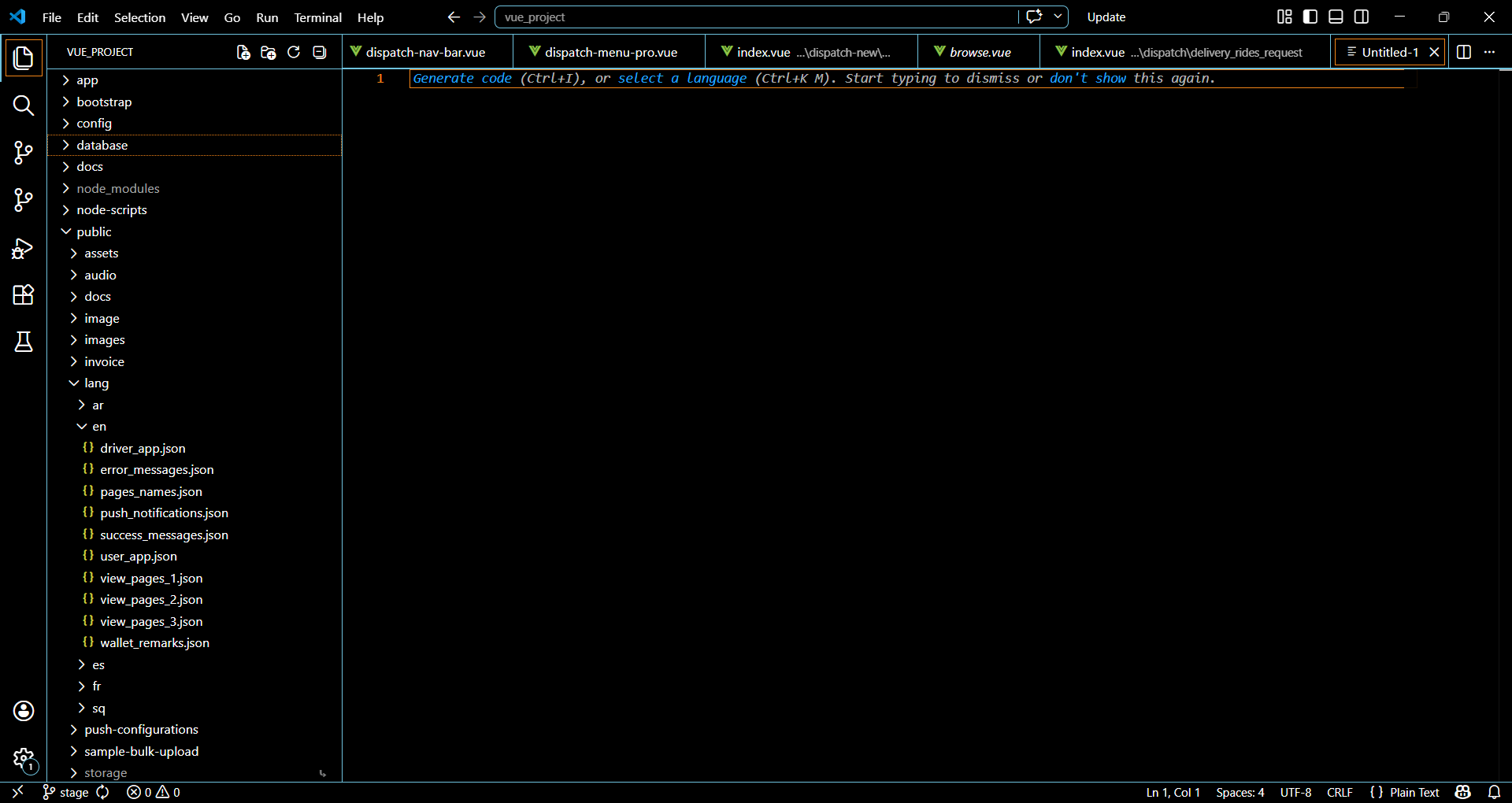
  • After downloading the (groupName).json file, store inside the folder public/lang/ar/pages_names.json.
  • add it to the below direction of your project.
  • "public/lang/language_code/"